Streaming Sports in 4K: Is It Worth the Upgrade?
14 May 2026
Let’s be honest — nothing gets the heart racing quite like watching your team in a nail-biting overtime or a buzzer-beating three-pointer. Now imagine experiencing all of that in crystal-clear detail, where every bead of sweat, every blade of grass, and every inch of that touchdown dive is as clear as day. That’s the magic 4K promises. But here’s the million-dollar question: _is streaming sports in 4K really worth the upgrade?_
Let’s huddle up and break this down to help you decide whether it’s time to jump on the 4K train or stick with good ol’ HD.
What Exactly is 4K?
Alright, before we sprint downfield, let’s understand the basics. 4K refers to a display resolution of approximately 3840x2160 pixels — that’s four times the resolution of standard 1080p HD. It's like switching from reading a book under a dim lamp to reading it under stadium lights. Every detail pops.4K is especially mesmerizing when you’re watching fast-paced content — like sports. The picture is sharper, smoother, and just downright impressive. But...that doesn't mean it's perfect for everyone.
The Beauty of Sports in 4K: Why All the Hype?
Some say 4K is like a front row seat without the overpriced ticket. Here's what makes sports in 4K special:1. Immersive Viewing Experience
When you watch a soccer match in 4K, you're not just watching — you’re _there_. You can see the texture of the pitch, the flash of emotion on athletes’ faces, and the split-second movements that could decide the game. It's like trading nosebleed seats for VIP access.2. Less Motion Blur
Sports are all about motion — blinking might mean you miss a goal. 4K, especially when paired with a high frame rate (like 60fps), dramatically reduces motion blur. The result? You catch every fluid movement without the annoying streaks or choppiness.3. More Colors, Better Contrast With HDR
Many 4K streams also come with HDR (High Dynamic Range), which basically means better color and contrast. Want to see the sun glint off a helmet? Or the difference between a dark uniform and a shadowed sideline? HDR makes that happen. It’s like watching sports in real life — but better and without the hot dog grease.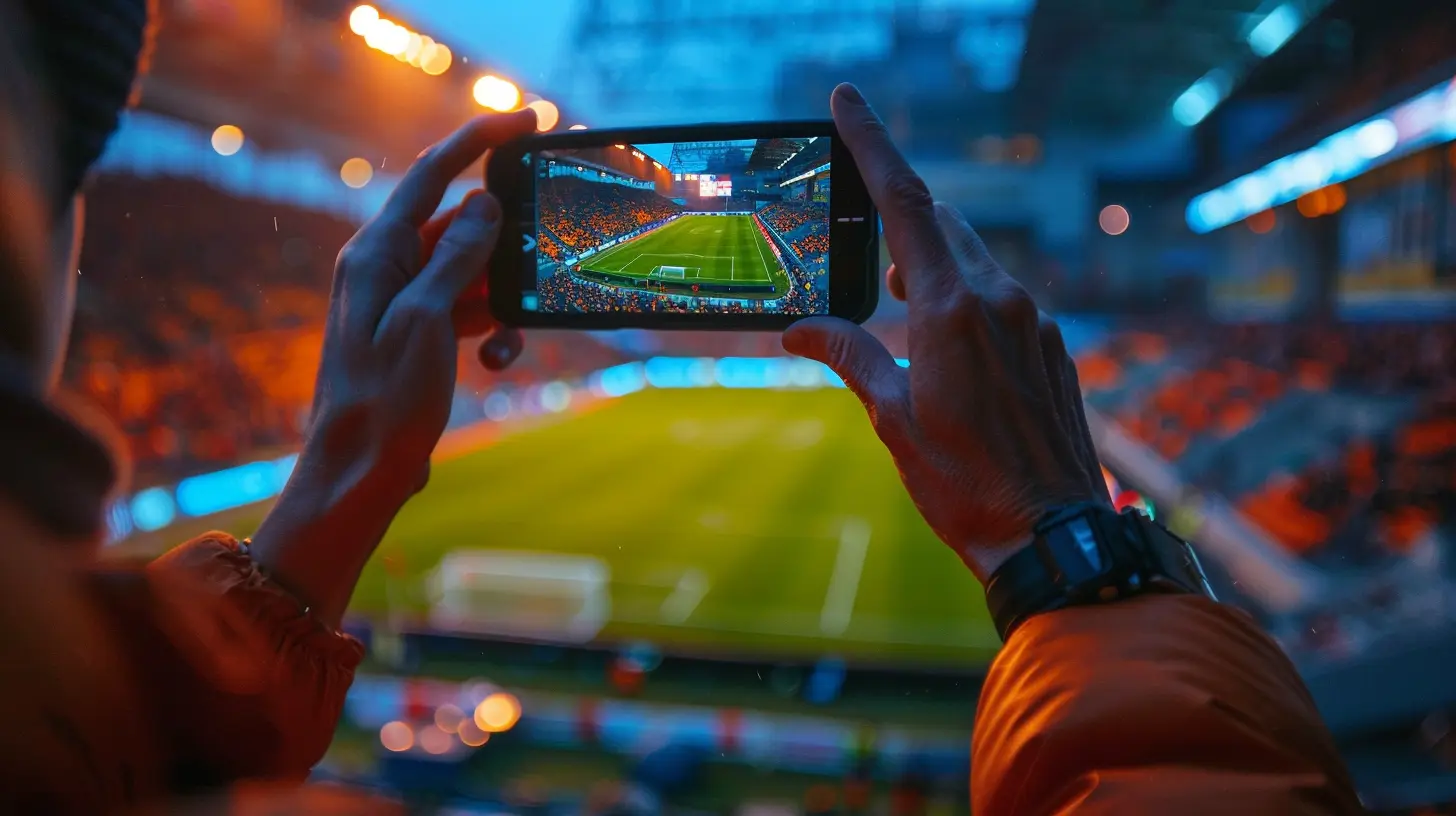
The Catch: What You Need for Streaming Sports in 4K
Now, before you start imagining the perfect Saturday sports binge, there’s a little homework. Streaming in 4K isn’t just about clicking "play" and sitting back. You’ll need the right gear and setup. Let’s break it down.1. A 4K-Compatible TV
Obvious, we know, but having a 4K TV is step numero uno. Thankfully, they’re more affordable than ever. That said, not every 4K TV is created equal. Look for one with a high refresh rate and strong HDR support. Trust us — your eyeballs will thank you.2. A Fast Internet Connection
Buffering during a game-winning drive? No, thank you. Streaming 4K sports requires at least 25 Mbps per stream, but realistically, you’ll want around 50 Mbps or more — especially if others in your house are also streaming or gaming.3. A Streaming Service That Offers 4K Sports
Here's where it gets a little tricky. Not all platforms offer live sports in 4K. Some of the ones that currently do (or are dipping their toes in) include:- YouTube TV (select events)
- FuboTV (known for sports)
- ESPN+ (some 4K events)
- FOX Sports App
- Prime Video (Thursday Night Football in 4K)
Keep in mind — availability varies by event, and sometimes you need to pony up for a pricier subscription tier.
4. A Streaming Device That Supports 4K
Even with the best TV, you won’t get 4K unless your streaming device can handle it. Options like Apple TV 4K, Roku Ultra, and Amazon Fire TV Stick 4K Max are up to the task.
So... Is It Actually Worth It?
Here comes the big question. Is streaming sports in 4K worth the upgrade? Let's tackle it from a few angles.If You’re a Die-Hard Sports Fan
If watching games is your weekend religion, upgrading makes total sense. Imagine every play in razor-sharp quality, every replay in stunning detail. It’s the closest thing to being in the stadium without overpriced parking and $12 hot dogs.If You're a Casual Viewer
Now, if you’re just catching big games or checking scores while multitasking, 1080p might still do the trick. You’ll still see every touchdown — it just won’t sparkle as much.If You're Into Tech and Cinematic Experience
Do you love the smell of new tech in the morning? Are you the kind of person who fiddles with TV settings just to get the perfect picture? Then 4K streaming will feel like a gift from the sports gods.If Your Setup Isn’t 4K Ready
Then hold up! You'll need to upgrade your TV, possibly your streaming stick, and maybe even your internet connection. If that's too much hassle (or cash), it's okay to sit this one out — for now.The Pros and Cons – Let’s Keep It Real
| Pros | Cons ||------|------|
| Stunning visuals, especially with HDR | Requires solid internet |
| More immersive game-day feel | Not all games/events are in 4K |
| Great for big, modern TVs | Needs compatible devices and services |
| Reduced motion blur | Sometimes costs extra (subscription tiers) |
Real Talk: 4K Isn’t Everything
Let’s not pretend 4K is perfect. Sometimes the difference between 1080p and 4K is subtle — especially if you're not watching on a huge screen. And if the camera angles or lighting aren’t ideal, 4K won't magically fix that.Also, compression matters. Some streaming platforms compress their 4K streams so much that it doesn’t look dramatically better than 1080p. It’s like pouring gourmet coffee into a styrofoam cup. You’ll still enjoy it, but it could be better.
Tips for Getting the Best 4K Sports Experience
If you’re ready to take the plunge, here are a few quick tips to maximize your 4K game day:- Sit close (but not too close): For 4K to shine, sit within 1.5 times the height of your TV screen.
- Use Ethernet if possible: Wired connections beat Wi-Fi for stable 4K streaming. Less buffering, more cheering.
- Check your streaming plan: Some 4K content is behind a paywall or premium tier.
- Update your devices: Make sure your app and firmware are updated. It can help with compatibility and stream quality.
Final Whistle: Our Verdict
So, is streaming sports in 4K worth the upgrade? It depends on your needs, passion, and wallet.If you're a dedicated fan who wants the best visuals, and you’ve got the right setup, it's absolutely worth it. Every detail will come alive, and every game will feel like an event. But if you’re happy with HD and can live without seeing every cleat mark in the turf, you’re still going to enjoy the game.
Think of it this way: 4K is like sitting at a five-star restaurant watching the chef cook your steak — it's precise, detailed, and a little fancy. HD is like getting takeout from that same place — still delicious, just without the view.
At the end of the day, it’s all about how you like to enjoy the magic of sports. Whether it’s in dazzling 4K or trusty HD, what matters most is cheering for your team, jumping off the couch at big plays, and sharing the moment with friends and family. The screen matters — but the passion? That’s always in high def.
all images in this post were generated using AI tools
Category:
Live StreamingAuthor:

Nelson Bryant
Discussion
rate this article
1 comments
Kennedy Mathews
Upgrading to 4K streaming offers stunning visuals that can enhance the sports viewing experience. However, factors like internet speed and device compatibility should be considered before making the leap.
May 15, 2026 at 12:20 PM
Nelson Bryant
I agree, the visuals are impressive, but it's essential to ensure your internet and devices can handle it before upgrading.