How to Stream Multiple Games at Once Without Missing a Moment
24 July 2026
Let’s be honest: being a sports fan these days is like trying to choose a favorite child—impossible, right? Between the NFL, NBA, MLB, NHL, college games, and international matches, your favorite teams are always clashing schedules. Forget watching just one game. You want to catch ‘em all, Pokémon style.
But here’s the million-dollar question: How can you stream multiple games at once without missing a single moment?
Whether it's Sunday football with overlapping matches or a playoff night when three of your favorite teams are playing simultaneously, I've got your back. This guide will walk you through all the gear, platforms, and hacks you need to become the ultimate multi-stream sports ninja. ?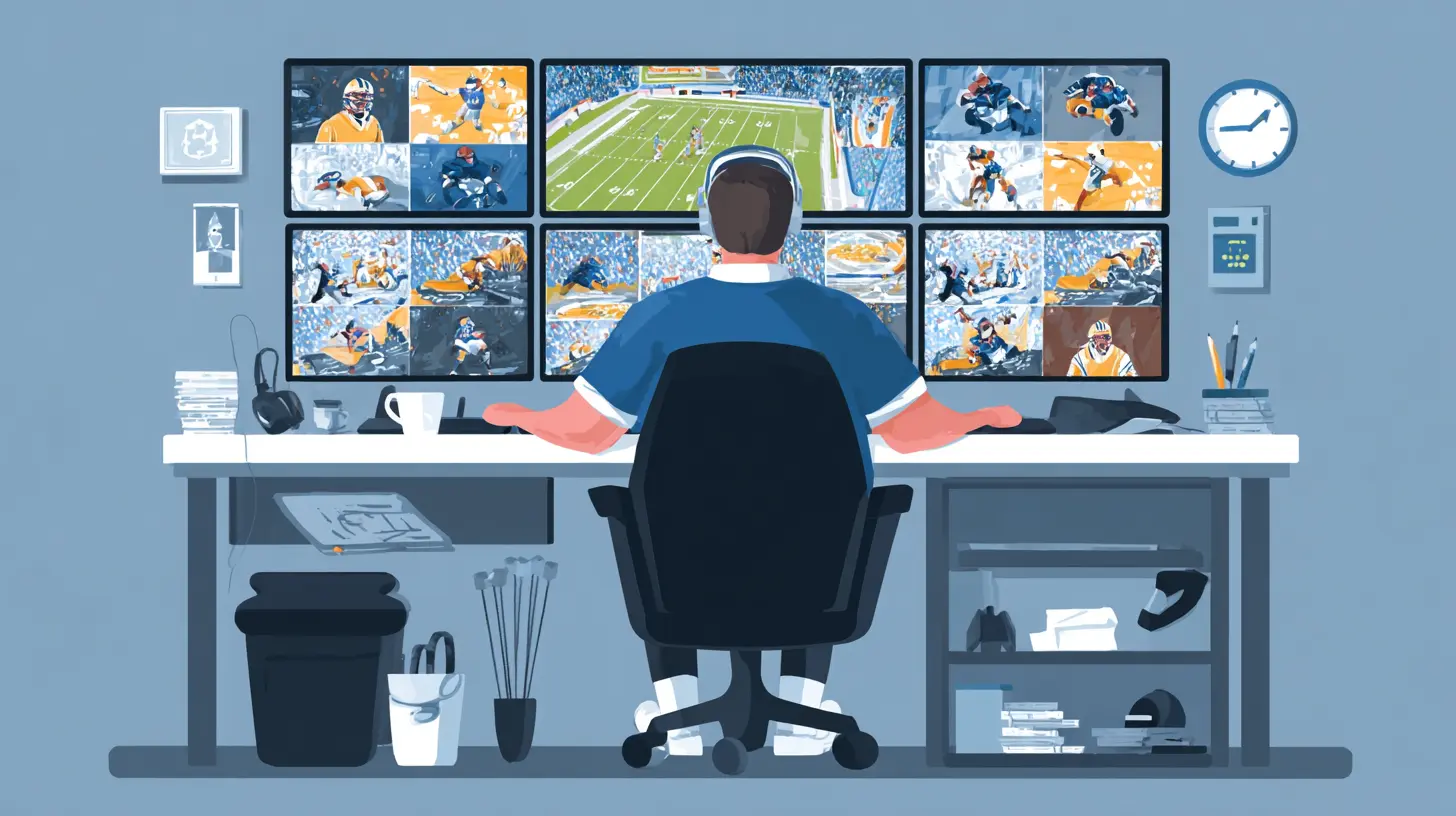
Why Stream Multiple Games at Once?
Let’s start with the obvious: FOMO is real.In the age of instant highlights and Twitter spoilers, watching just one game feels like you're willingly sitting out half the action.
Here are a few reasons why multi-game streaming is a must:
- Fantasy Sports & Betting: Keeping tabs on multiple games is crucial if you're juggling fantasy teams or live bets.- Die-Hard Fan Syndrome: Maybe you’re loyal to several teams across different leagues. No judgment—just a lot of screen time.
- Big Game Nights: Think March Madness, Super Bowl Sunday, or Champions League nights when every minute matters.
- Group Watch Parties: Everyone has opinions. Uncle Jerry wants basketball. Your cousin lives for soccer. You want hockey. Solution? Multi-streaming.
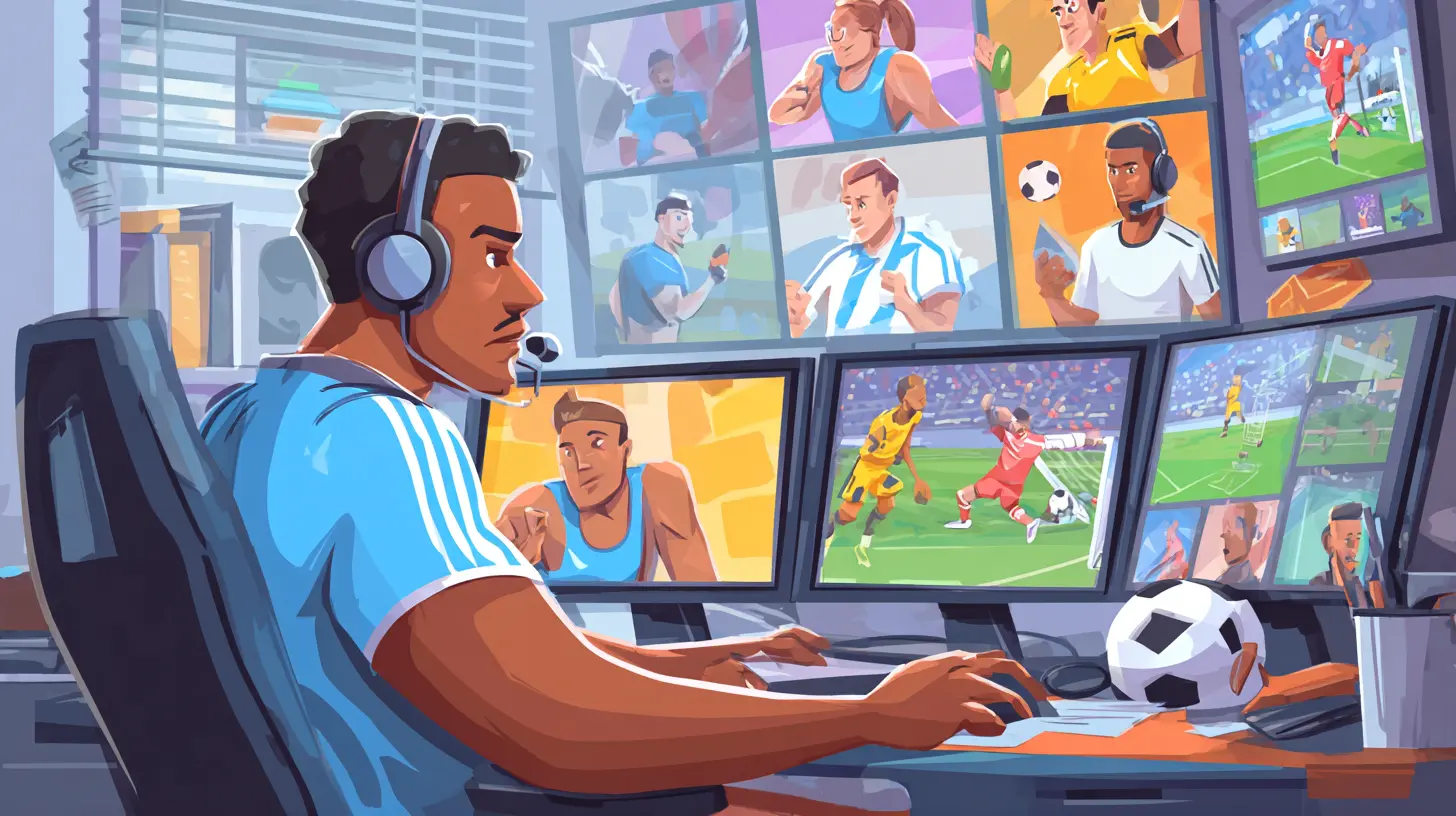
What You Need to Stream Like a Pro
Before diving into the how-to, let’s make sure you’re set with the must-have gear and tools. It's like going into a championship game—you need the right lineup.1. A Strong Internet Connection (Seriously)
Streaming multiple HD games needs bandwidth—a lot of it.- Minimum Recommended: 100 Mbps (especially if others are using the same network).
- Pro Tip: Use Ethernet instead of Wi-Fi for stability. Yes, wires are annoying, but dropped streams are worse.
2. Multiple Screens (The More, The Merrier)
Don’t limit yourself to one device. Spread the love across:- Smart TVs
- Laptops
- Tablets
- Smartphones
- Projectors (for the big game feel)
Think of this as your command center. Even better if you’ve got a big monitor or a dual-screen setup.
3. Quality Streaming Services
Not all platforms are created equal. You want ones that are fast, reliable, and multi-device friendly.Here are some top picks for sports streaming:
| Sport | Best Platform(s) |
|--------|------------------|
| NFL | NFL Sunday Ticket, YouTube TV, Paramount+ |
| NBA | NBA League Pass, Hulu + Live TV |
| MLB | MLB.TV, ESPN+ |
| NHL | ESPN+, Hulu |
| Soccer | Peacock, Paramount+, ESPN+, fuboTV |
4. A Browser that Can Handle Multiple Tabs
Sounds basic, but trust me—some browsers crash when you overload them.Go with Google Chrome, Mozilla Firefox, or Brave. You can also use extensions like:
- Tile Tabs: For automatic tab arrangements
- Mute Tab Shortcuts: So you don’t get audio chaos
- PiP (Picture-in-Picture): To float videos over the main screen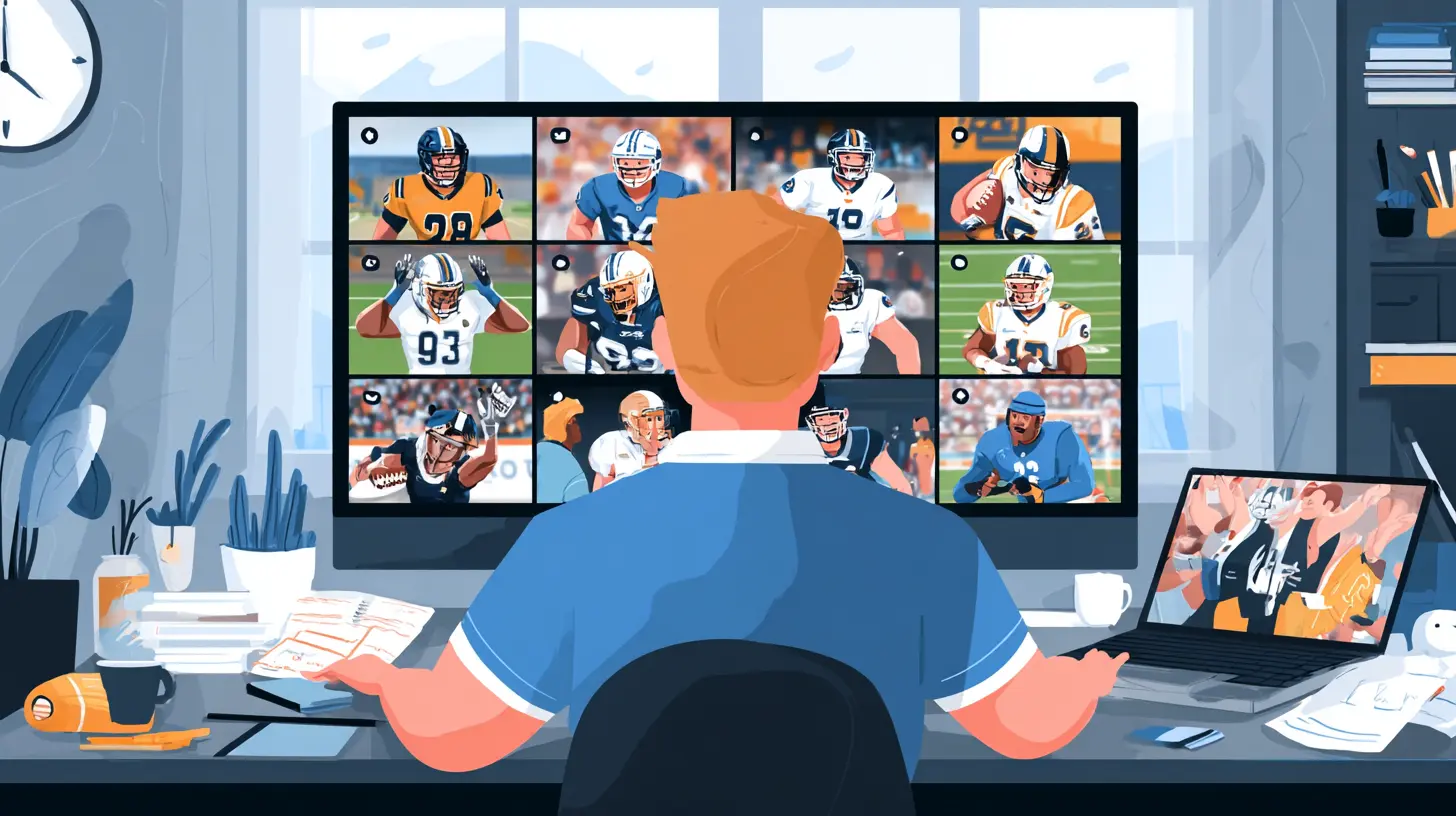
Streaming Setups Based on Your Situation
Whether you're watching solo or hosting friends, here’s how to stream multiple games based on your setup.?️ Living Room Watch Party
Want a true sports bar vibe at home? Here's how to turn your living room into ESPN HQ:- Smart TV as Main Display: Cast your game using Chromecast or AirPlay.
- 2nd Screen: Use a tablet or laptop on the coffee table.
- 3rd Option: Connect another TV or monitor for split-screen action.
Add in a Bluetooth speaker and a cold drink—you’re now the MVP of game night.
? Desk Setup for Sports Nerds
You work from home, you’ve got multiple monitors, and you’re not afraid to use them.- Open different games in separate browser windows.
- Use “Snap Layout” on Windows or Mission Control on Mac to position them side-by-side.
- Use hotkeys to mute, change volume, or navigate in real-time.
Now if only your fantasy team could function this efficiently.
? On-the-Go Streaming
Stuck at a wedding during the playoffs? We’ve all been there.- Use your phone for one game via app.
- Tablet for a second.
- Connect to mobile hotspot if Wi-Fi sucks.
- Earbuds in—no one needs to know you’re watching the game during the father-of-the-bride speech.
(Just don’t cheer loudly when there’s a touchdown.)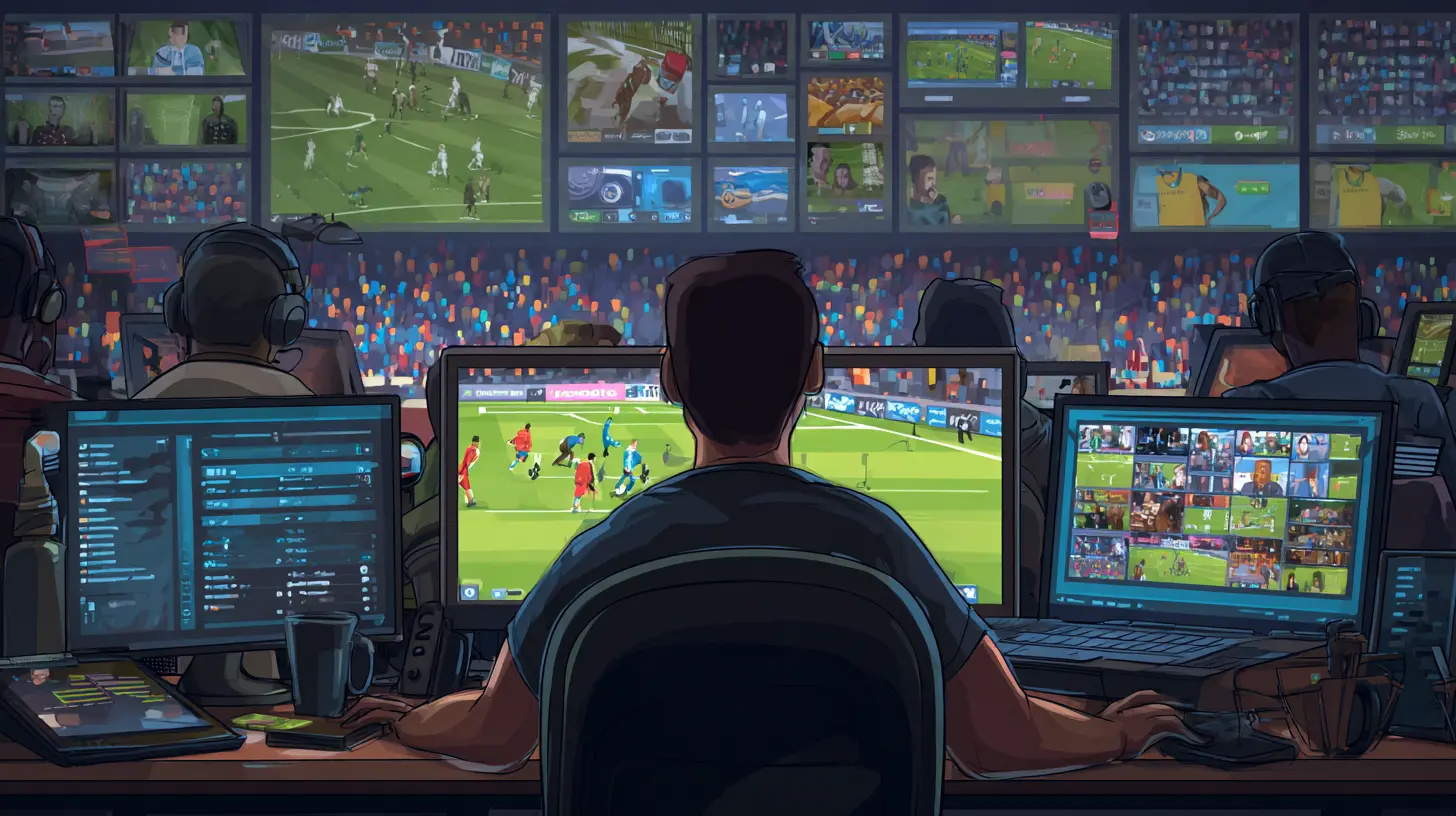
Tips to Not Lose Your Mind While Streaming Everything
It’s easy to get overwhelmed by so much action. But here are a few tricks to keep your brain—and your bandwidth—intact.1. Mute Strategically
Pick one audio feed to follow. Mute the rest. Otherwise, it's like trying to listen to three languages at once, and you’ll miss everything.2. Use Picture-in-Picture Mode
This lets you float a smaller video over a main one. For instance:- Big screen: Your favorite team
- PiP: A rival game or close match
Most platforms like YouTube, ESPN+, and Hulu support PiP now.
3. Keep the Score Updates Handy
Use apps like:- TheScore
- ESPN
- Yahoo Sports
- Bleacher Report
They’ll break down what's worth watching. If one game gets boring, switch.
4. Prioritize by Quarter or Period
Start by watching the top-ranked or most crucial game. As others heat up (4th quarter, extra innings, overtime), shift attention.It's like plate-spinning. You go where the action's hottest.
Tools and Apps to Make Multi-Streaming Easy
There’s an app for everything—including streaming multiple games. Here are game-changers (pun intended):?️ Multi-View with YouTube TV
YouTube TV now supports Multiview—especially during football season.- Watch up to 4 games on one screen.
- Choose your game quadrant.
- Works great on smart TVs.
? Browser Extensions
- Tiled Tab Groups (Chrome Extension): Aligns your streams cleanly.- PiPifier for Safari: Enables picture-in-picture on Mac.
? Multi-Platform Streaming Tools
- Kodi with Sports Add-ons: Advanced users can set this up to stream various live sports feeds.- PlayOn Cloud: Record live games and watch offline—great for poor internet connections.
? Smart TV Features
- Samsung Multi-View: Lets you display multiple inputs side-by-side.- LG’s WebOS: Supports picture-in-picture and dual app display.
- Sony Android TVs: Multiple HDMI and app stream combos.
What About Streaming Lag and Delays?
Ah yes, the Achilles’ heel of all streaming fans—the delay.Here’s how to minimize it:
- Use Wired Internet: Ethernet > Wi-Fi when it comes to stability.
- Close Background Apps: Especially video calls, downloads, or cloud syncing.
- Lower Resolution on Secondary Streams: Keep your main game in HD, others in 480p or 720p to save bandwidth.
- Stay Off Social Media: Twitter spoils everything. You've been warned.
Best Platforms for Multi-Game Streaming (Ranked)
Let’s do a quick power ranking for platforms that make multi-streaming not just possible—but amazing.? YouTube TV
- Top-tier multi-view support.- Solid coverage across leagues.
- Smooth UI.
? FuboTV
- Tailor-made for sports fans.- Streams international games too.
- Up to 10 streams on one account!
? ESPN+
- Huge library: UFC, NHL, College Sports.- Compatible with many devices.
- Budget-friendly option.
Honorable Mentions:
- Hulu + Live TV: Solid for NBA and NFL.- Sling TV: Great if you're on a budget.
- DAZN: Best for combat sports and international soccer.
Streaming Across Different Time Zones?
Yeah, it’s a pain when one game’s in London, another in LA. Best advice?- Use a calendar app with time zone support.
- Set reminders 15 minutes before each game.
- Use a sports aggregator (like SofaScore) to keep everything in one place.
Final Thoughts: You CAN Watch It All
Streaming multiple games used to be something only the rich or tech-savvy could pull off. But not anymore.With the right setup, a fast connection, and a few tricks up your sleeve, you can watch multiple games like a boss—even during the chaos of March Madness or the NFL playoffs.
So grab your snacks, charge your devices, and don’t forget the mute button. Multi-game nights just got a whole lot easier.
all images in this post were generated using AI tools
Category:
Live StreamingAuthor:

Nelson Bryant
Discussion
rate this article
1 comments
Roxanne McCallum
Great insights on streaming multiple games. It can be challenging to keep up with everything, but your tips offer practical solutions. Excited to put these ideas into practice during the next big game day!
August 7, 2026 at 11:36 AM
Nelson Bryant
Thanks for the feedback! I'm glad you found the tips helpful. Enjoy the next game day!