How to Film and Edit Your Own Skate Videos
6 May 2026
So, you’re ready to step up your skate game and shoot your own videos? That’s awesome. Whether you’re looking to show off your street tricks, share your park sessions, or build a personal brand, filming and editing your own skate videos is one of the coolest ways to showcase your style.
But let’s be real—it’s not just about pressing record and hoping for the best. If you really want to make something that pops, you’ve got to think about angles, lighting, pacing, music, and editing. Don’t worry though—we’re going to break this down so it's simple, creative, and straight-up fun.
Why Film Your Skate Sessions?
First off, why bother filming in the first place?Because skateboarding is more than just a sport—it’s an art. Your tricks, your spot selection, your vibe—they all tell a story. Plus, filming lets you:
- Track your progress
- Share your style with the community
- Build content for social media or YouTube
- Get peeped by sponsors or crews
Bottom line: If you skate and you’re proud of it, you should be filming it.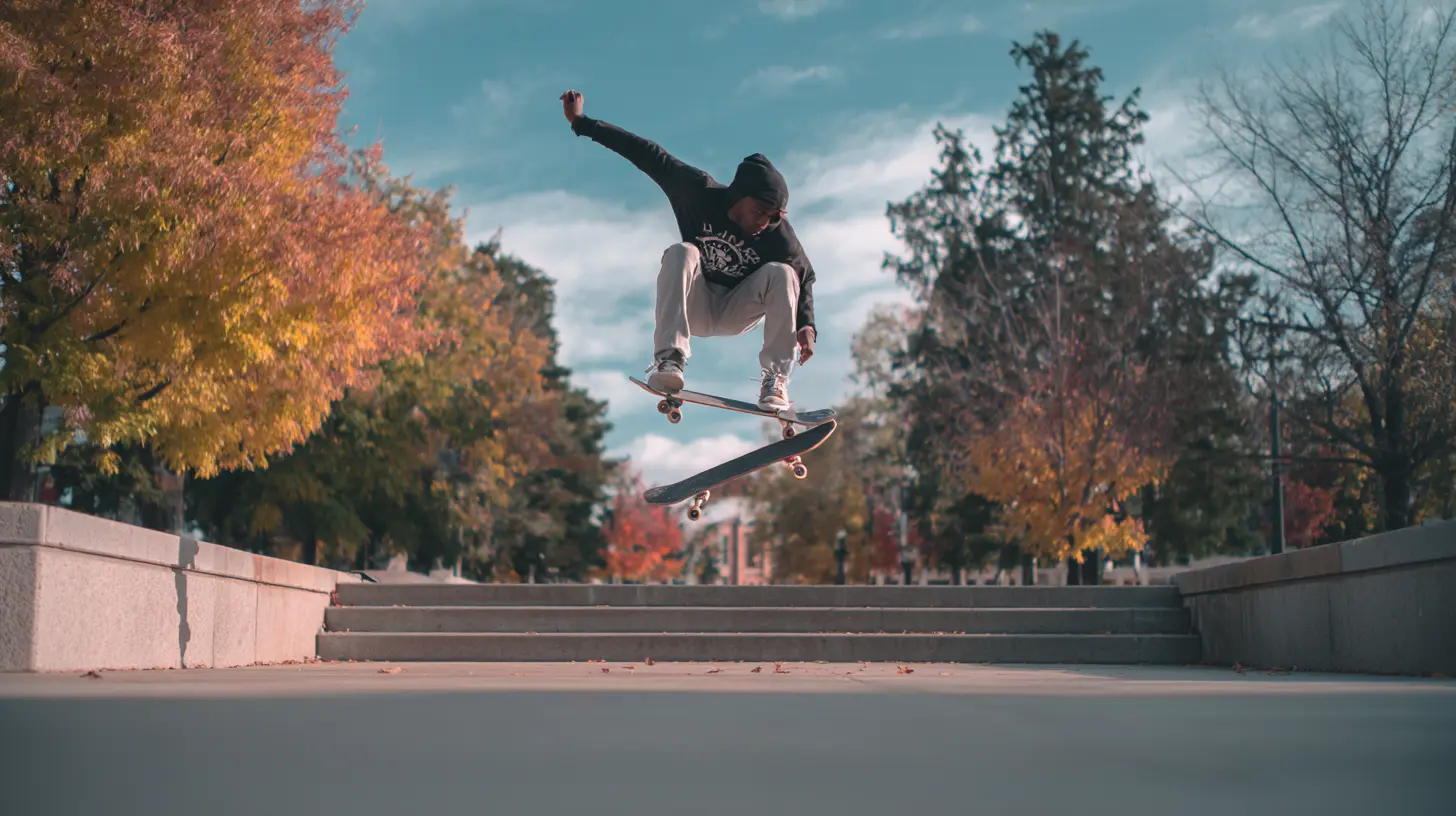
Gear You’ll Need
Let’s talk essentials. You don’t need an expensive rig to get started—just the right tools for the job.? Camera
You can totally start with your phone—seriously. Smartphones today shoot in 4K and have image stabilization, slow-mo, and decent audio. Just make sure you’ve got:- Plenty of storage space
- A protective case (trust me, drops happen)
- A clean lens
If you’re going a step up, here are some killer options:
- Sony ZV-1 – Great for vlogging/skating with solid autofocus
- GoPro Hero 11 – Ultra wide angles and super durable
- Panasonic GH5 – Killer for serious filmmakers
?Tripod & Accessories
- Mini tripod or skate wheel mount: So you can pull off follow-cam shots or steady footage.- Fisheye lens attachment: Classic skate video vibes. It gets close, captures more, and looks dope.
- Extra batteries/power bank: Don't be that person who runs out of juice mid-line.
? Audio Gear (Optional)
Not totally necessary unless you're recording voice or live sound, but if you're skating and talking (or narrating tricks), a lav mic or shotgun mic can give you pro-level audio.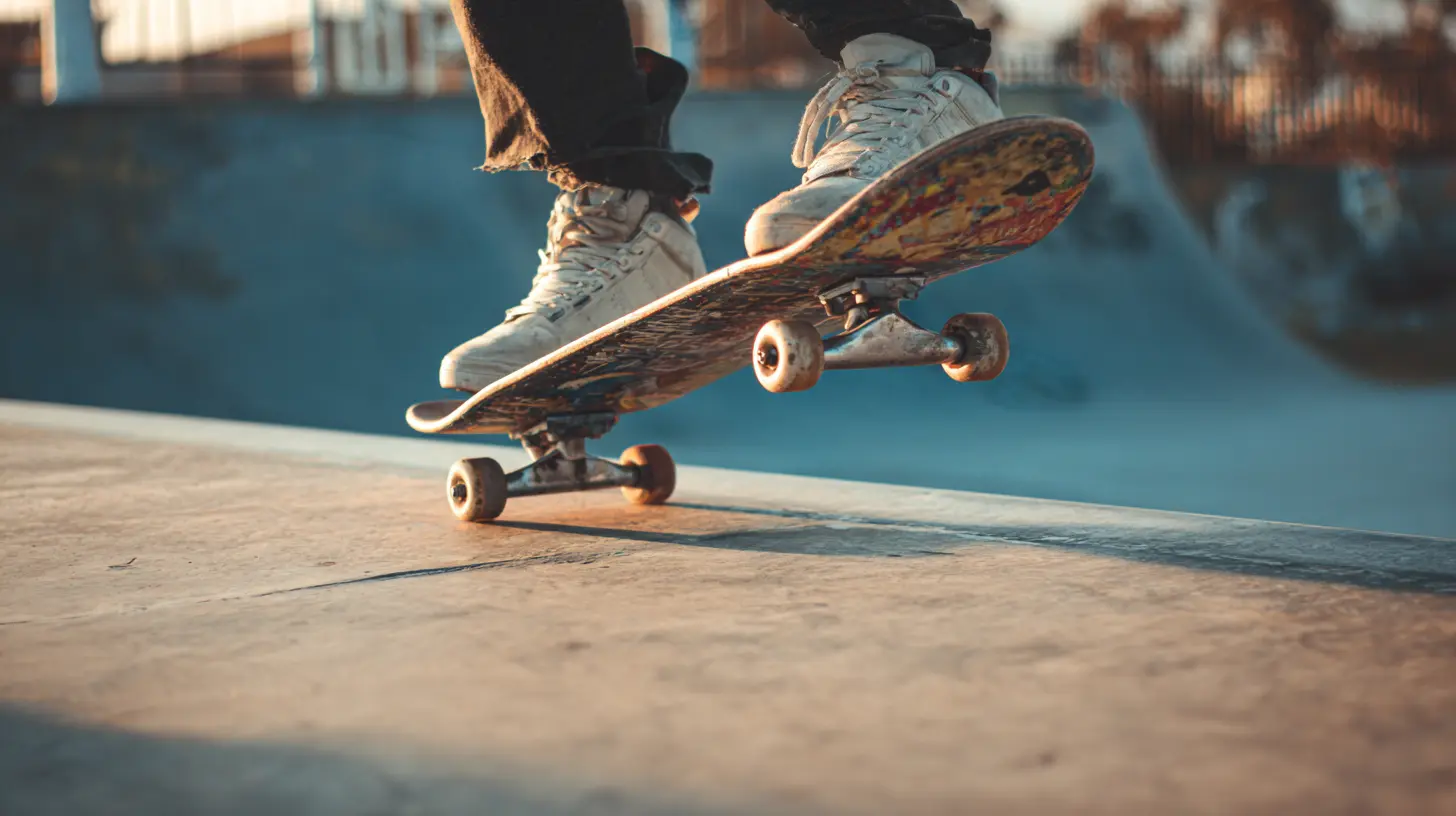
Filming Like A Pro
Alright, you’ve got gear. Now let’s shoot something worth watching.? Plan Your Shots
Don’t just wing it. Think about:- Location: Look for clean ledges, rails, or plazas.
- Lighting: Golden hour (sunrise or sunset) is your best friend—soft light, sick shadows.
- Background: Avoid clutter. You want the focus on your skating, not a dumpster or random crowd.
? Angles Matter
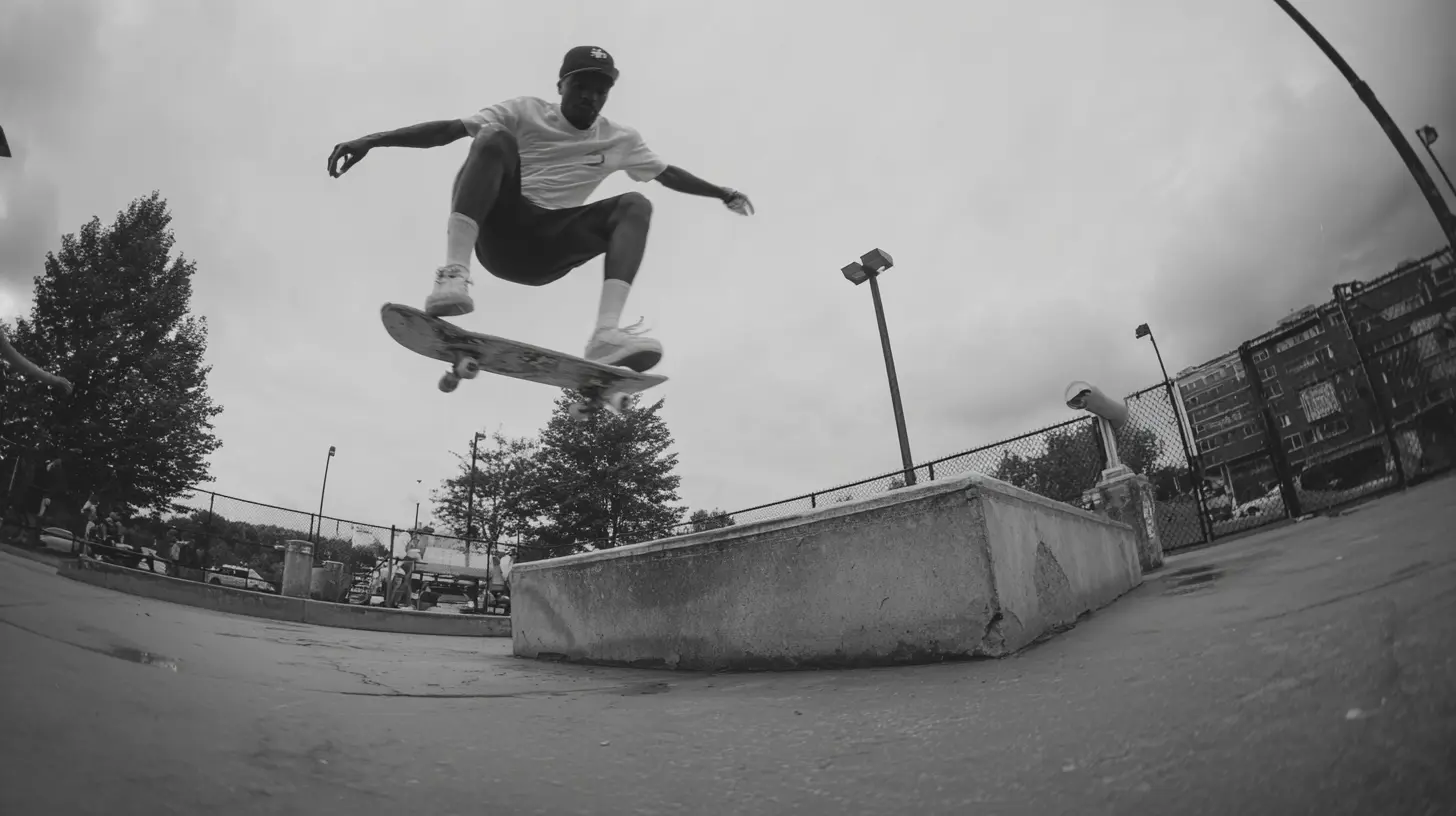
Angles can make or break a trick. Wanna make that kickflip look steezy? Try:- Low angles: Make tricks look massive.
- Follow cams: Capture flow and style—ride alongside your buddy.
- Fisheye & long-lens mix: Fisheyes for detail; long lens for story and context.
Keep experimenting. Sometimes the most unexpected angle is the one that works.
? Filming Tricks
Keep rolling before and after the trick. You never know when a bail will be funny or when a homie lands something unexpected.Also, hit record early and keep the camera steady—even if you're bailing. Watching the whole attempt gives more character to your vids.
? Don’t Over-Shoot
You don’t need 50 angles of the same ollie. Film smart—get what you need, then move on. It'll save you time later in editing, trust me.
Editing Your Skate Videos Like a Storyteller
Editing is where the magic really happens. This is where your footage becomes a story, a mood, a vibe.? Choose Your Editing Software
Here are some solid options:- Free: iMovie (Mac), DaVinci Resolve, CapCut (mobile), VN Video Editor
- Paid: Adobe Premiere Pro, Final Cut Pro, LumaFusion (iPad)
Pick one you’re comfortable with. Don’t stress over fancy tools when you’re starting out.
? Organize Your Clips
Before you dive into editing:- Label your clips (i.e., “Tre Flip Ledge” or “Line—Park”)
- Delete bad takes or shaky unusable shots
- Sort clips by location or skater if you’re filming multiple people
Staying organized speeds up your workflow big time.
✂️ Cut Tight, Keep It Steezy
Trim the fat. Don’t leave in 3 seconds of setup before the trick unless it adds to the vibe. Keep transitions smooth, and watch the pacing—don’t rush it, but don’t drag it.? Add a Soundtrack
Music can make a mediocre video awesome—or ruin a great one.- Pick a track that matches your vibe (lo-fi, punk, hip hop, whatever fits your skating style)
- Avoid copyrighted music if you're uploading to YouTube or Instagram unless you have permission
- Sync your cuts to the beat, especially bails or high-impact tricks—it adds rhythm and flow
? Add Titles & Effects (But Don’t Overdo It)
Simple title cards at the start with your name or the spot are cool. Maybe some slo-mo on the most technical trick.But don’t go overboard with filters and transitions. The skating should speak for itself.
Think: clean, raw, and authentic—not a PowerPoint presentation.
Posting and Promoting Your Video
You made a banger edit—now what?? Where to Share
- Instagram Reels / TikTok: Great for short clips and getting visibility- YouTube: For longer edits or full skate parts
- Vimeo: For a more artsy, film-style following
- Reddit (r/skateboarding) & Discords: Skate communities love fresh content
? Write a Killer Caption
Be personal. Talk about the trick, the spot, or the grind behind it. Don’t forget to tag homies, mention locations, and drop those hashtags:bash
#skateboarding #skateeverydamnday #skatevideo #streetskating
? Stay Consistent
One video won’t blow you up overnight. Keep filming, keep editing, and keep sharing. The more consistent you are, the more people will recognize your style.Tips from the Streets: Real Talk Advice
- Don’t stress perfection. Some of the rawest clips are the most memorable.- Fail forward. Every edit teaches you something new.
- Film your friends. Helps build a crew and you’ll get better behind the lens.
- Back up your footage. Losing your hard drive after landing your gnarliest trick? That’s a heartbreak you don’t want.
- Have fun. Skateboarding started as fun—keep it that way.
Final Thoughts
Filming and editing your own skate videos is part of the culture—an extension of you. It’s how you document your journey, share your creativity, and connect with the skate world around you.You don’t need the fanciest camera or the fastest computer. You just need a board, a lens, and the drive to create. So go out there, hit record, and make something fresh. Keep it rolling.
And remember—skate videos aren't just about tricks. They're about style, struggle, vibe, and the streets. Your story deserves to be told. Now go tell it.
all images in this post were generated using AI tools
Category:
SkateboardingAuthor:
Nelson Bryant
Discussion
rate this article
2 comments
Fenris McHugh
Capturing skate moments is an art. Focus on authenticity, play with angles, and let your unique style shine through in both filming and editing. Enjoy the process.
September 12, 2026 at 4:34 AM
Sylvan Good
Capture the grind, edit for the thrill!
May 15, 2026 at 2:46 AM
Nelson Bryant
Absolutely! It's all about showcasing the dedication and excitement of skating. Can't wait to see your edits!